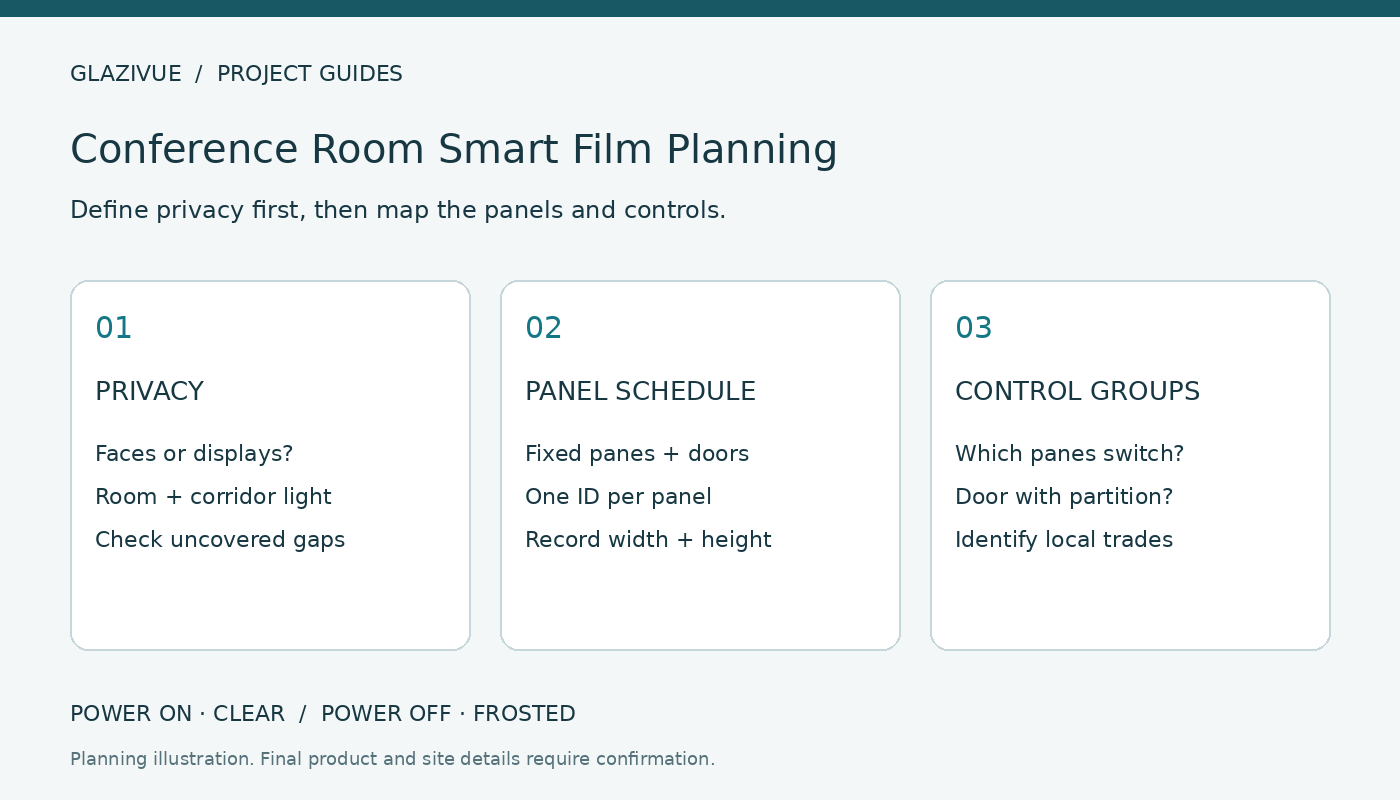
Smart film for conference rooms can help a glass partition change between an open view and a frosted appearance. First define what privacy must achieve, then record the glass layout and decide which panels should switch together. This guide helps office teams prepare a project brief before requesting a quotation.
Conventional GlaziVue PDLC operates as POWER ON · CLEAR / POWER OFF · FROSTED. Frosted appearance provides visual obscuration; it is not automatic blackout or sound isolation. Assess the selected product in conditions representative of your meeting room.
1. Define the meeting-room privacy requirement
Privacy can mean obscuring a face from the corridor, preventing a visitor from reading a display, or reducing the visibility of activity. Write down which details matter and where an observer would stand. This gives the supplier and local team a requirement they can review.
A fictional brief might say: ‘During confidential meetings, corridor observers should not be able to read the screen from the normal walkway.’ This is a planning example, not a promised result. Test that requirement with a sample or representative mock-up before approving the product.
Review the frosted-state privacy checklist for lighting, distance and viewing angles. A person close to a frosted panel may produce an outline under some conditions. Clear borders, untreated panes and doorway gaps need attention too.
2. Decide whether the existing glass will remain
If suitable glass is installed, self-adhesive PDLC film may be evaluated as a surface-applied retrofit. Ask your local installer to inspect the glass condition, existing treatments, access, edges and hardware against the selected product instructions. See the existing office glass guide.
For a new partition, compare a laminated switchable-glass route while framing, panel sizes and electrical exits can still be coordinated. The smart film vs switchable glass comparison explains that decision. Neither format should be assumed suitable for every assembly.
3. Map fixed panes, doors and uncovered sightlines
Give every panel a reference such as P1, P2 and D1. Put the same labels on photographs and a sketch. Record width, height, quantity and units. Explain whether dimensions describe visible glass or intended film coverage, and mark estimates clearly.
| Layout item | Record | Purpose |
|---|---|---|
| Fixed panes | IDs, dimensions, quantity and access | Connect the quotation to the layout |
| Moving door | Movement, hardware and coverage | Flag connection and hardware review |
| Untreated areas | Clear areas and sightlines | Identify visibility outside the film |
| Display | Location, viewpoint and lighting | Define the privacy test |
Use the measurement guide for a sample schedule. Final dimensions, clearances and electrical connections need separate confirmation. For moving panels, review the office glass door checklist.
4. Describe control groups before selecting equipment
One room may need the door and partition to switch together. Another may require the corridor-facing panes to operate independently. Describe that behavior before selecting a controller.
Add a group label to every pane. Identify who will operate the controls, a preferred switch location and a proposed equipment location. Electrical design and compatibility require qualified review. Remote or automated control is a request to evaluate, not an included capability unless confirmed in the quotation.
Record the desired state during meetings, when unused and after a supply interruption. Conventional PDLC becomes frosted when power is off; restart behavior requires confirmation for the selected equipment. Prepare the electrical brief using the companion power supply and controller checklist.
5. Compare samples in the room’s lighting
Review clear and frosted states under representative daylight and evening lighting. Compare the room with its corridor, including normal angles and subject positions. Record the sample model and format and keep conditions consistent between candidates.
The sample evaluation guide helps organize observations. A small sample screens appearance; it does not reproduce every effect of a full partition or approve electrical suitability.
6. Prepare a complete quotation scope
Send the city, labeled photographs, panel schedule, privacy requirement, control groups and timeline. Separate supply from local measurement, installation and electrical work. The office smart film cost guide lists the scope to compare.
Frequently asked questions
Does smart film make a conference room soundproof?
No acoustic performance should be inferred from frosted appearance. Review the complete partition with a glazing or acoustic professional.
Can the door switch with fixed panes?
Submit this as a requirement. The supplier and local electrician must confirm grouping, capacity and the moving-door connection.
Will frosted film darken the presentation room?
Conventional frosted PDLC transmits scattered light. Treat substantial light reduction as a separate requirement.
Start with the meeting-room layout
Review GlaziVue product formats, then submit the layout and project details. GlaziVue assists with product selection and supply quotations. The customer arranges qualified local measurement, installation and electrical work.